Login/Sign Up Sign Out
{{ messageCategory.totalUnreadNum }}
APSGO LOGO
{{ item.sku_info.spec_desc }}
{{ item.count }}x
Combination {{ combo.product.name }}
{{ combo.sku_info.spec_desc }}
x1
Total Price:
View Cart
No APPS available
{{ carts.count }}件
Cart
Home Overview Nuclear Shuo Image Batch Marking and Annotation Tool Software
Nuclear Shuo Image Batch Marking and Annotation Tool Software
-24% OFF!
Nuclear Shuo Image Batch Marking and Annotation Tool Software截图 Nuclear Shuo Image Batch Marking and Annotation Tool Software截图 Nuclear Shuo Image Batch Marking and Annotation Tool Software截图 Nuclear Shuo Image Batch Marking and Annotation Tool Software截图 Nuclear Shuo Image Batch Marking and Annotation Tool Software截图
Download
Nuclear Shuo Image Batch Marking and Annotation Tool Software China
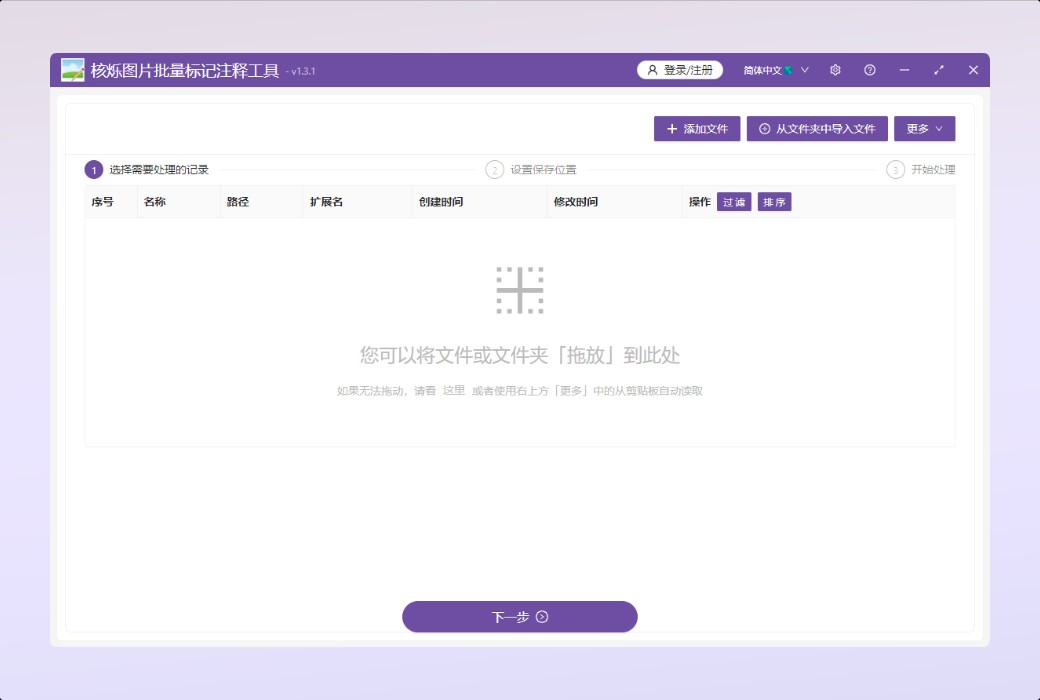
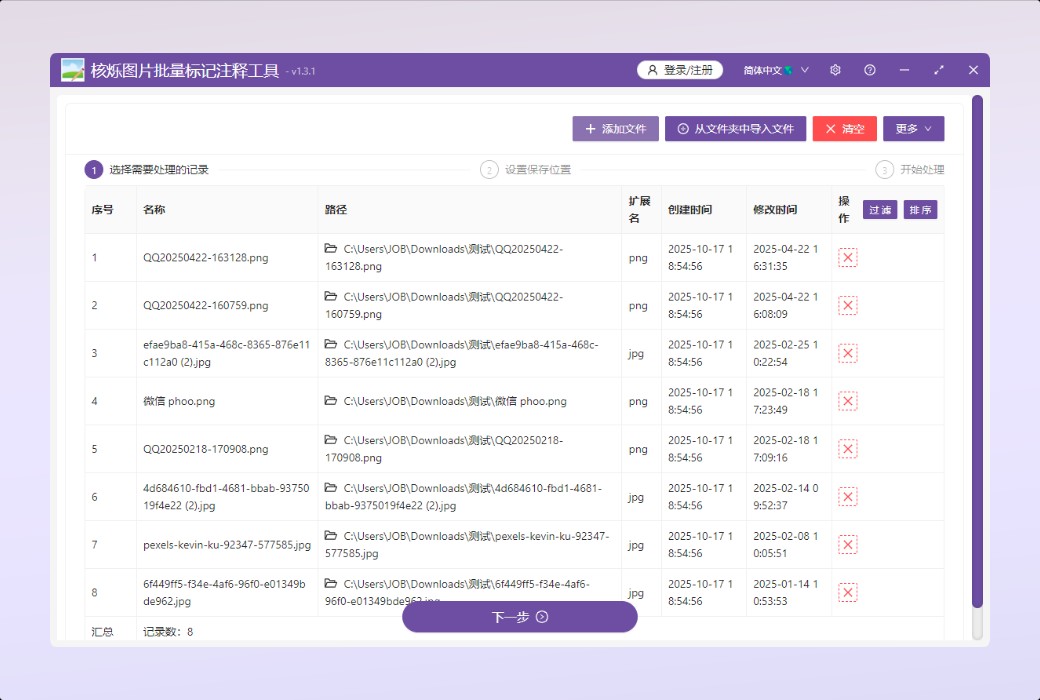
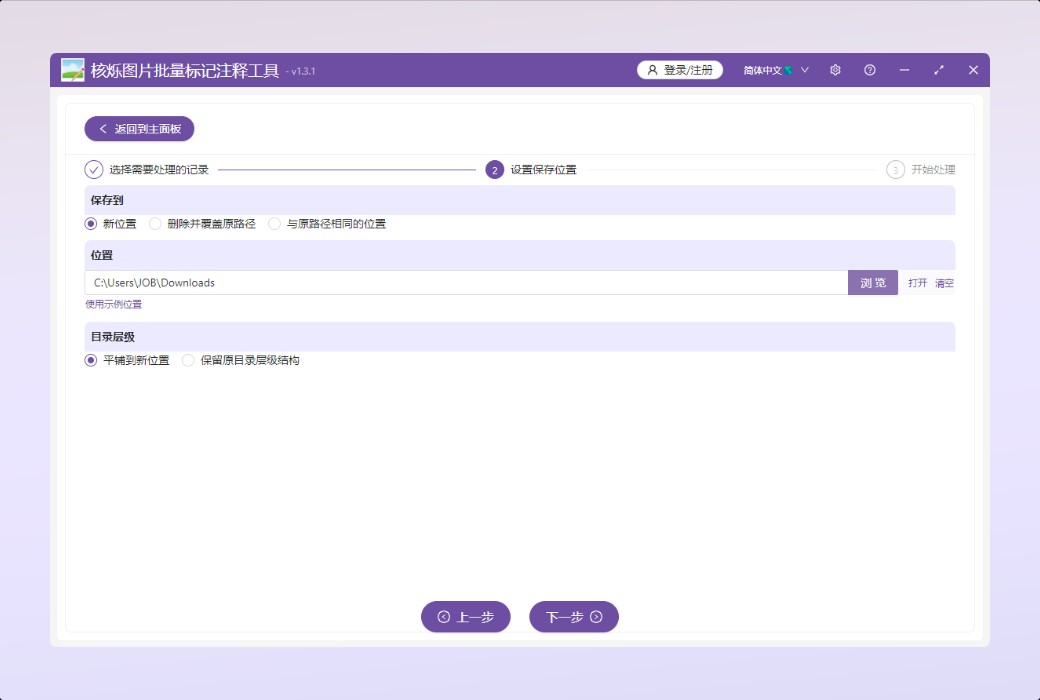
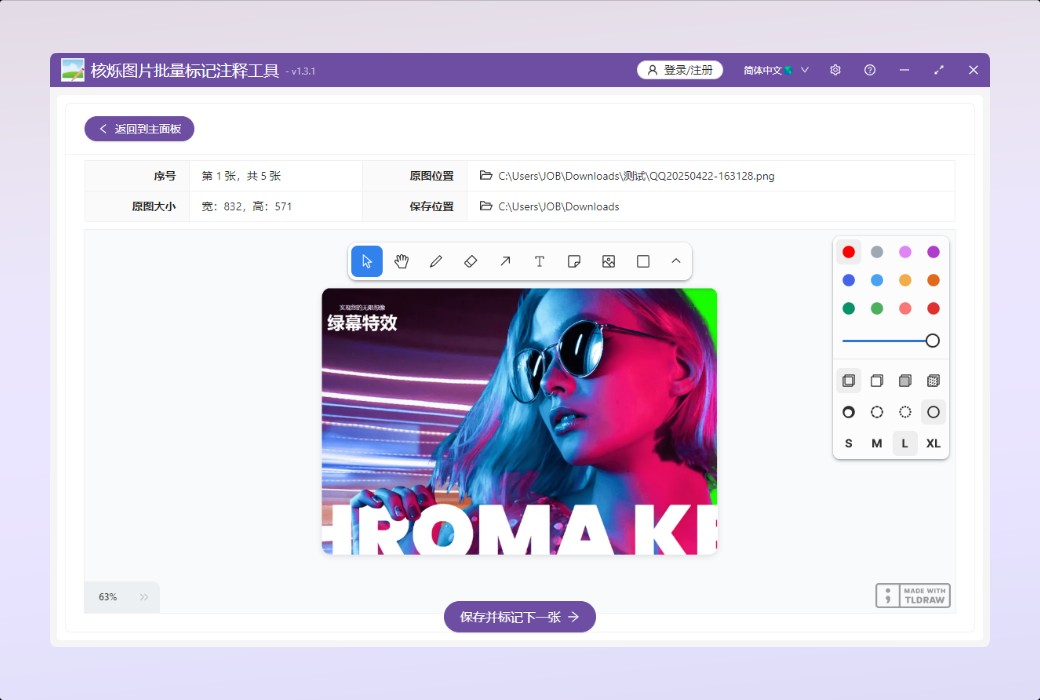
The Nuclear Shuo Image Batch Marking and Annotation Tool is a powerful image processing software designed for users who need to quickly mark and annotate a large number of images. It supports batch adding graphics (such as curves, lines, rectangles, circles, arrows, etc.) and text annotations to common image formats such as JPG and PNG, and can also directly paste images from the system clipboard, greatly improving work efficiency.
Expire:
Lifetime 1 Year Half year membership 1 Month
* Purchase this specification to receive the following gifts : ( Buy 1 or more items and the offer is valid until stock lasts )
x {{ item.count }}
{{ info.promotion.title }}
Note: In seckill, once sold out, the original price will be restored!
Hurry! Limited-time offer ends soon!
Currently available last {{ sku.promotion_count }} items
{{ info.advancePromotion.title }}
Preview of seckill, event price: {{ info.advancePromotion.skus_infos[sku.sku].promotion_price }} CNY
The inventory available for seckill is {{ info.advancePromotion.skus_infos[sku.sku].promotion_count }} items
Retail Price
Specifications
Not Selected
Group Buying
There is currently no Group Buying available, please open a group
{{ item.spec_desc }}
{{ item.user.nickname }} In {{ item.created_at }} Start Still need {{ item.left_count }}x Pending Group Buying, some users have not paid
Join

Activity Rules

1、Activity time:{{ info.groupon.start_at }} ~ {{ info.groupon.end_at }}。

1、Activity time:cease when sold out。

2、Validity period of the Group Buying:{{ info.groupon.expire_days * 24 }} hours。

3、Number of Group Buying:{{ info.groupon.need_count }}x。

Please Pay Attention

1、Teamwork process: Join/initiate a Group Buying and make a successful payment - Within the validity period, the number of team members meets the activity requirements - Group Buying succeeded!

2、If the number of participants cannot be met within the valid period, the group will fail, and the paid amount will be refunded in the original way.

3、The number of people required and the time of the event may vary among different products. Please pay attention to the rules of the event.

{{ item }} ({{ app.qa.questionsData.total }})

This is a brand new software that can batch add graphic or textual marks or annotations to many JPG, PNG, and other images, such as drawing curves, lines, rectangles, circles, arrows, and other shapes on the images. Support pasting images directly from the system clipboard.


core functionality


  1. Batch tagging and annotation:Multiple JPG, PNG and other format images can be marked and annotated in the form of graphics or text in batches, such as curves, lines, squares, triangles, arrows, circles and other shapes. Text can also be added.
  2. The system clipboard supports:Support direct pasting of images from the system clipboard, making it convenient for users to quickly paste images saved in the clipboard by screenshot software onto the original image and perform annotation and other operations.


Functional purpose


Batch draw curves, lines, squares, triangles, arrows, circles, and other shapes on many JPG, PNG, and other images. Text can also be added, and screenshots saved in the system clipboard can be pasted onto the images. Very suitable for the following scenarios:


  1. Draw in batches on the pictures and circle the key points
  2. Batch sign or draw on images using touchpad
  3. Use screenshot software to capture key areas on the image and paste them directly onto the original image, with annotations, notes, and other prompts written on them
Nuclear Shuo Image Batch Marking and Annotation Tool Software LOGO

Official website:https://www.wodeabc.com/article/show/8002659/

Download Center:https://heshuo-drawing.apsgo.cn

Delivery time:Manual online processing

Operating Platform:Windows

Interface language:Support Chinese interface display.

Update Description:Use and update during the subscription period.

Trial before purchase:Free trial is available before purchase.

How to receive goods:After purchase, the activation information will be sent to the email address at the time of placing the order, and the corresponding product activation code can be viewed in the personal center, My Orders.

Number of devices:Log in to the account and use it on one device at the same time.

Replace computer:Uninstall the original computer and activate the new computer.

Activation guidance:https://heshuo-media-viewer.apsgo.com/forum/4925

Special note:To be added.

reference material:https://www.wodeabc.com/article/show/8002659/

Any question

Submit
Ask a question
All FAQ Default Newest